How It Works
How WorkPane works
Tap a Mac window. It opens on your iPad, as a window. Here's what's actually happening.
Your windows, open like always
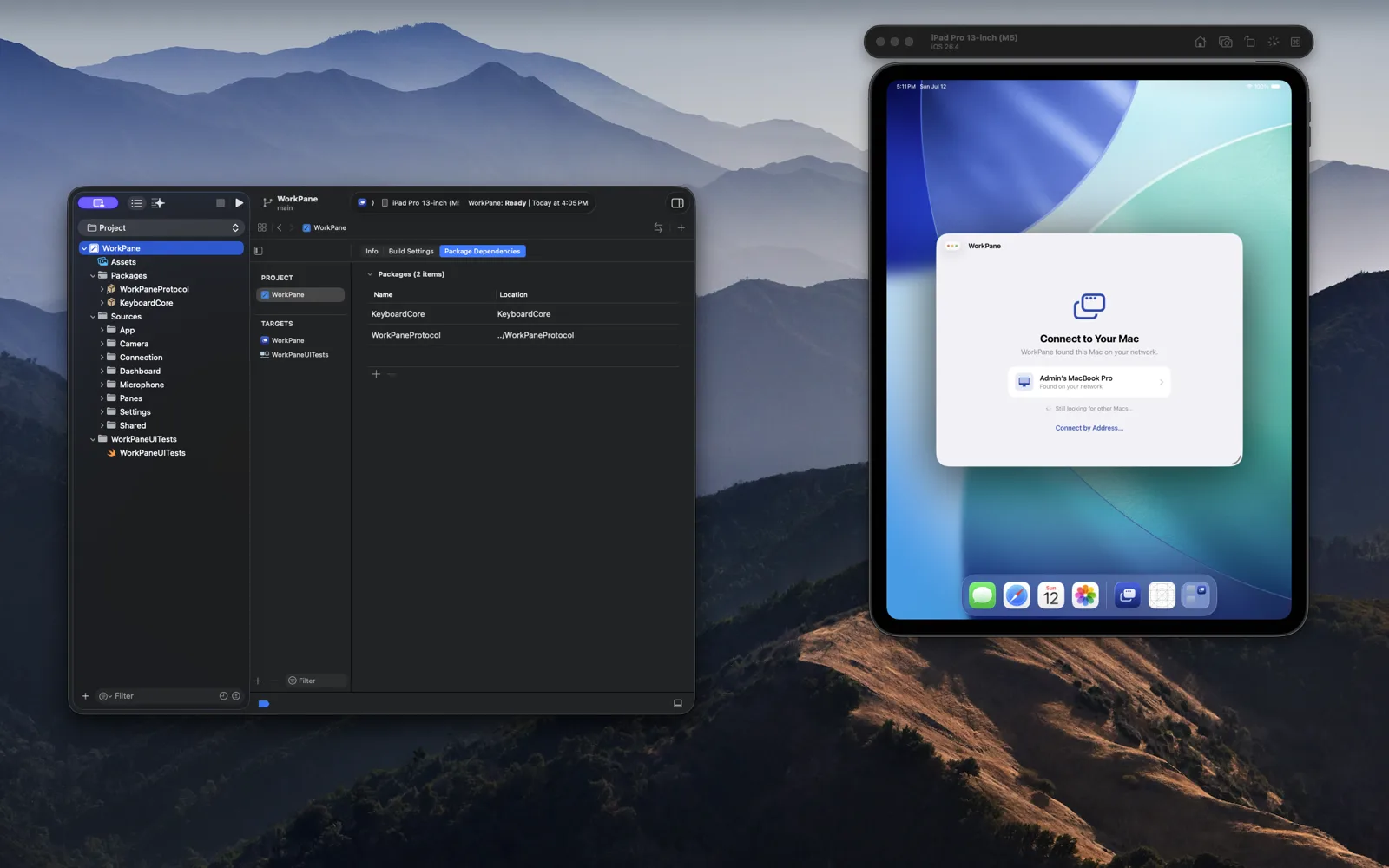
The same windows, native
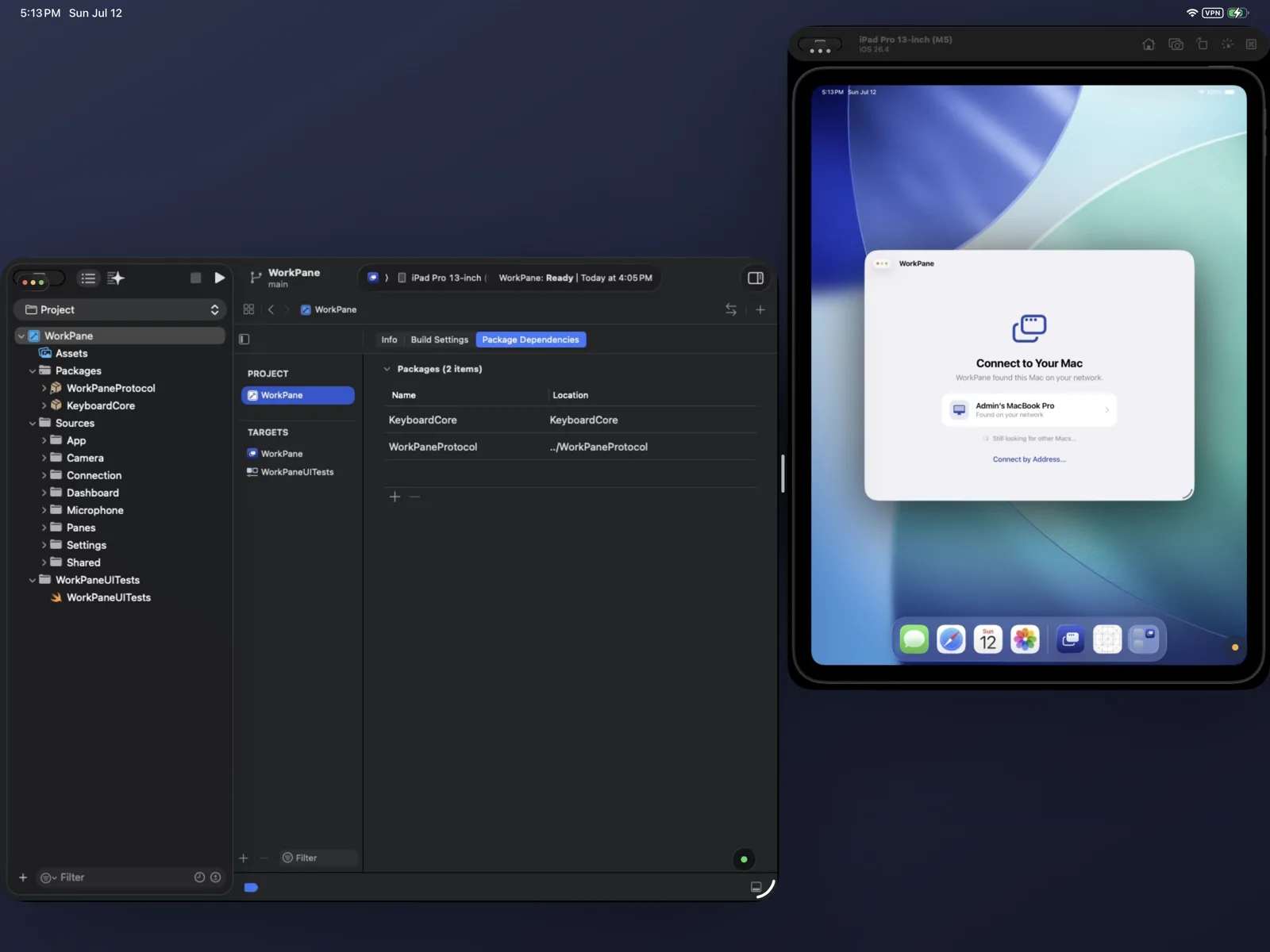
What happens when you tap a window?
That window, and only that window, starts streaming live to your iPad and opens as its own Stage Manager window. It's encoded and decoded in hardware on both sides, which is why it stays sharp and smooth instead of looking like a video call of your screen.
Why windows instead of the whole screen?
Because attention isn't a rectangle. The window you're working in gets the full 60 fps; the ones you're only glancing at quietly step down to save bandwidth. And each window streams on its own, so one busy window never stutters another.
How do the iPad and Mac find each other?
Automatically, on your network. The first time, your Mac shows a six-digit PIN; enter it on the iPad, like pairing AirPods. After that they reconnect on their own, and you can revoke a pairing from the Mac's menu bar at any time.
Is the connection private?
Every stream is end-to-end encrypted, Mac to iPad. There are no WorkPane servers in between: nothing to route through, nothing to trust but your own network. Unplug your router from the internet and WorkPane keeps working.
What about typing, tapping, scrolling?
They land in that window, on the real Mac. Tap to click, tap twice, tap twice and drag to move or select, two fingers to scroll. Honest note: the Mac's cursor moves; it's your Mac, actually being used.
Does it work away from home?
Yes, with your own VPN. Tailscale's free tier works; the guide in Docs takes about ten minutes. A hands-free remote option that needs no VPN is planned.
- H.265, hardware-encoded and decoded on both sides
- 60 fps on the window you're using
- End-to-end encrypted
- Windows stream independently
See it, don't take our word for it.
Join the BetaFree during the open beta · No account